
Funding claims that fill themselves in
The forms your council needs, populated from the data you already hold, checked before they go. Our browser extension auto-fills the council portal and keeps every figure to hand — on some portals it checks eligibility codes and sends reminders too.
- Auto-filled by the browser extension
- Any UK council portal
- Not typed again from scratch
- Filled from your data
- Errors caught before the council sees them
- Checked before sending
Auto-filled by the browser extension
Not typed again from scratch
Errors caught before the council sees them
Goodbye Paperwork, Hello Simplicity!
Managing funding forms for local councils has always been a time-consuming and error-prone process. With Pigeonhole, we've transformed this experience from start to finish!
Create Forms in Seconds
Generate appropriate funding forms with just a few clicks, pre-populated with the child's information. Our forms are fully compatible with the DfE's latest guidance.
Parent-Friendly Experience
Parents receive forms digitally, fill them out easily online, and can sign electronically - no printing needed!
Live Register Checks
Integrates directly with your council's live register, allowing notifications around expiring codes to be sent direct to parents.
Council Portal Integration
Our Chrome extension helps you upload the completed forms directly to council portals.
Funding Insights
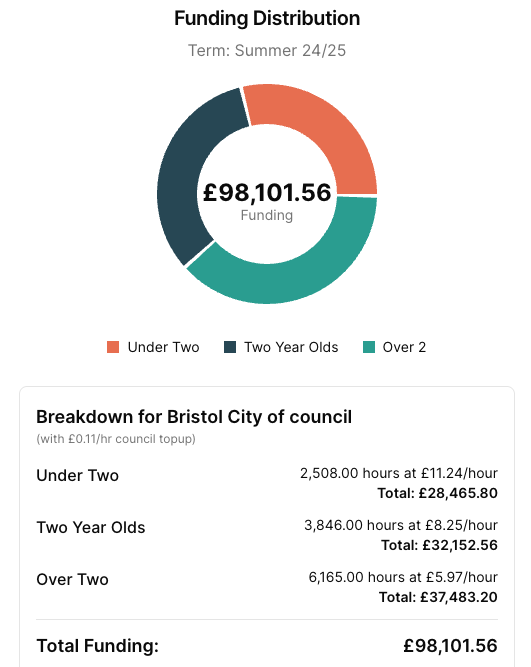
Keep track of any expected council funding with our in-depth graphs and analysis tools based on your own custom funding rates.
Why Digital Funding Forms?
Pigeonhole's digital funding forms are designed to make the entire process seamless for nurseries, parents, and councils. No more lost paperwork, manual data entry, or chasing signatures. Everything is managed online, tracked, and securely stored for your records.
How It Works
Three simple steps to streamlined funding form management
Create Form
Start with a child's profile and generate the right form
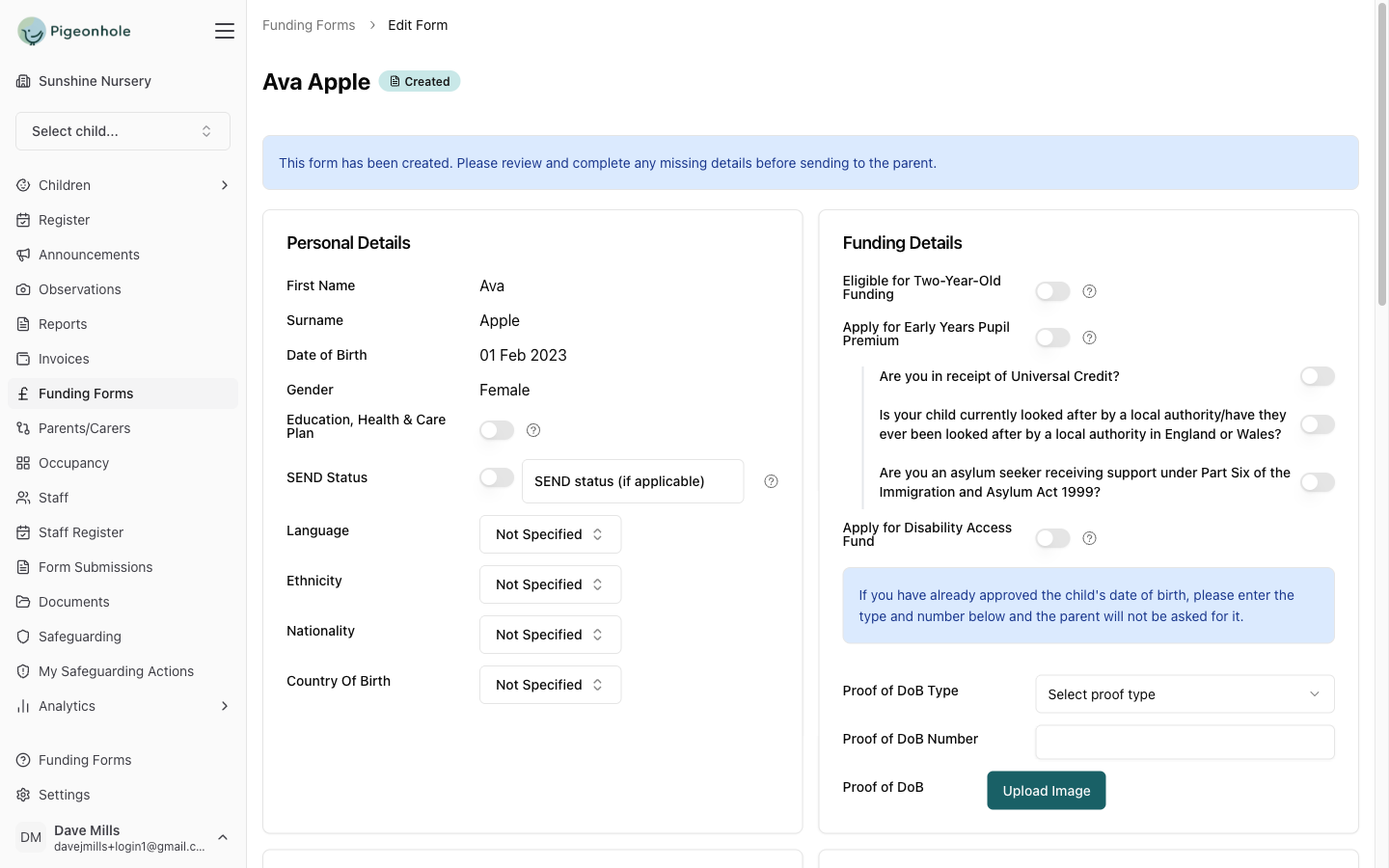
Select a child and let Pigeonhole generate the correct form with pre-filled information.
Parent Completion
Parents receive and complete forms digitally
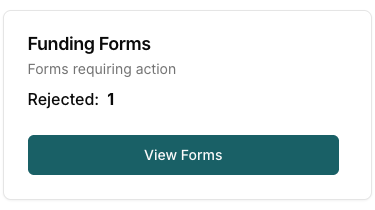
Parents receive a notification, log in to their portal, review the form, add any missing information, and digitally sign the document.
Portal Submission
Easily submit to council portals
Use our Chrome extension to help fill out and track council portal submissions, saving hours of manual data entry.