
The whole room's day, recorded in a few taps
Nappies, bottles, meals, sleeps and medication, logged for every child it happened to at once — so the record is kept as the day goes, not written up at home time.
- A six-child nappy round
- Nine taps
- Each room records only what it needs
- Per room
- What families see, and when
- Your choice
A six-child nappy round
Each room records only what it needs
What families see, and when
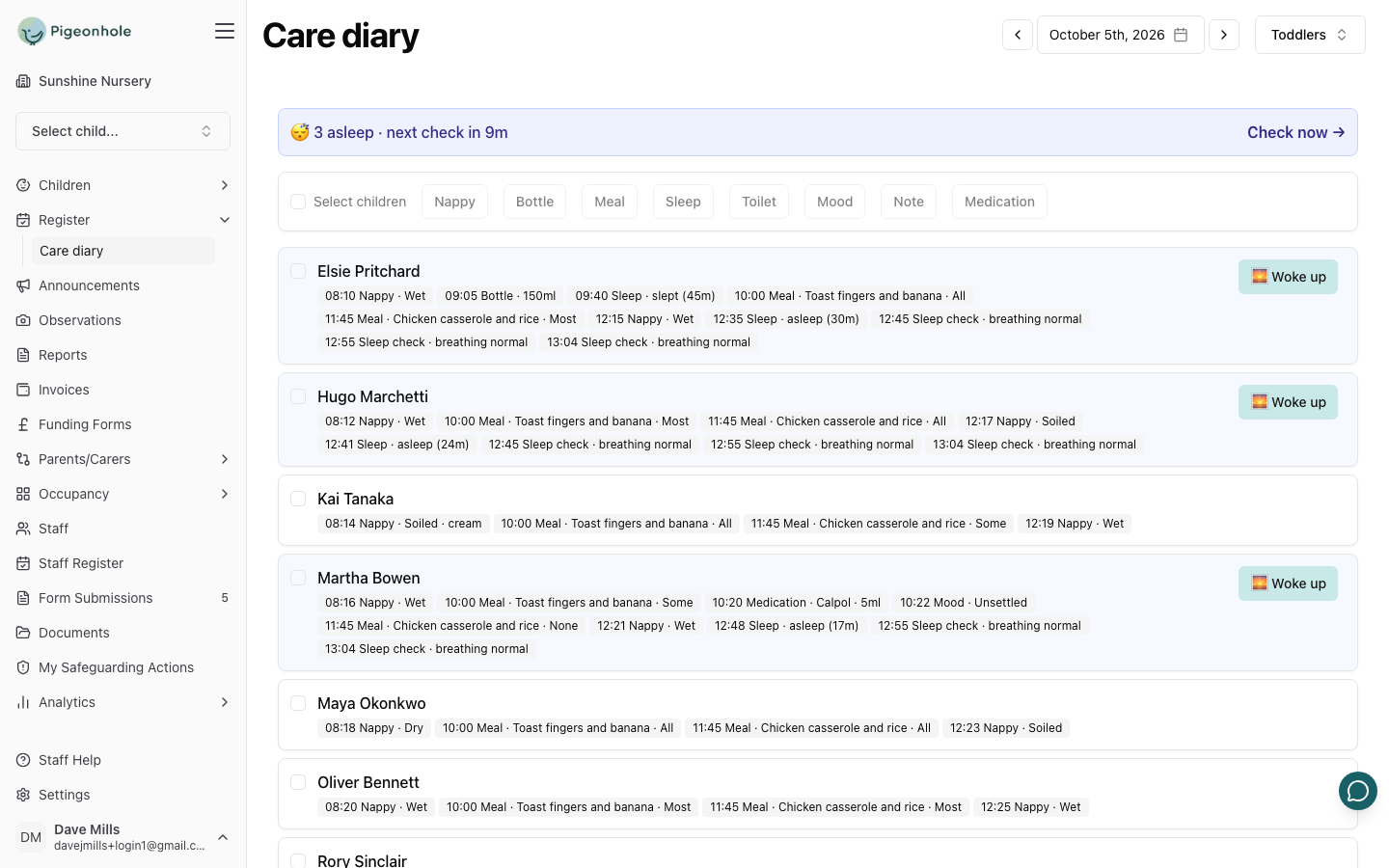
Everything a room records in a day
Each room only sees the things it actually records, so a pre-school room isn't offered bottles and a baby room isn't cluttered with toilet visits.
Nappies and Toilet Visits
Wet, soiled, dry or both, and whether cream was applied. Toilet visits use the same states for children out of nappies.
Bottles
One-tap sizes from 30ml to 240ml, or a custom amount when a baby takes more or less than usual.
Meals
What was served and how much was eaten. Today's dish is offered back as a suggestion, so the second child is a single tap.
Sleeps
When a child went down, the position they were put down in, and when they woke. The row counts up while they sleep.
Medication
What was given and the dose. Doses are remembered per medicine, so the usual amount is one tap away.
Mood and Notes
Happy, settled, sleepy, unsettled, upset or unwell, plus staff-only notes for handover that families never see.
How It Works
Built around how a room actually runs: it happened to several children, at once
Tick the children
Everyone it happened to, or the whole room in one tap
Tap what happened
Nappy, bottle, meal, sleep, toilet or medication
Save
One entry is recorded for each child, timed to now or earlier
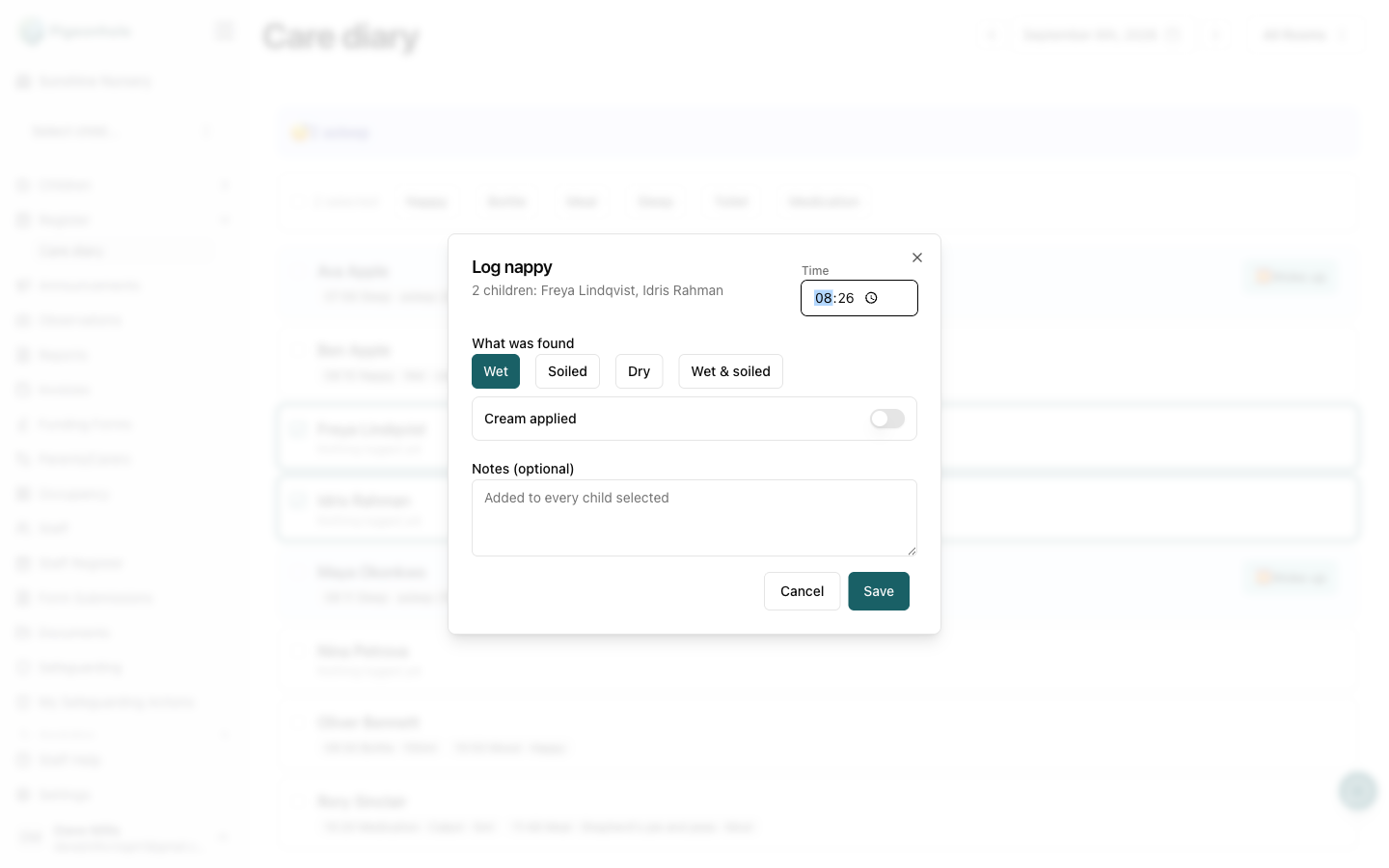
Never Lose Track of Who's Asleep
A sleep is live, not something written up afterwards. The room shows who is asleep and for how long, and counts down to the next sleep check at the interval your setting chooses — turning red when one is overdue.
- One check rhythm for the room, not one per child
- Each check records that breathing was normal
- Sleep position recorded when a child goes down
- "Woke up" closes the sleep with its full length
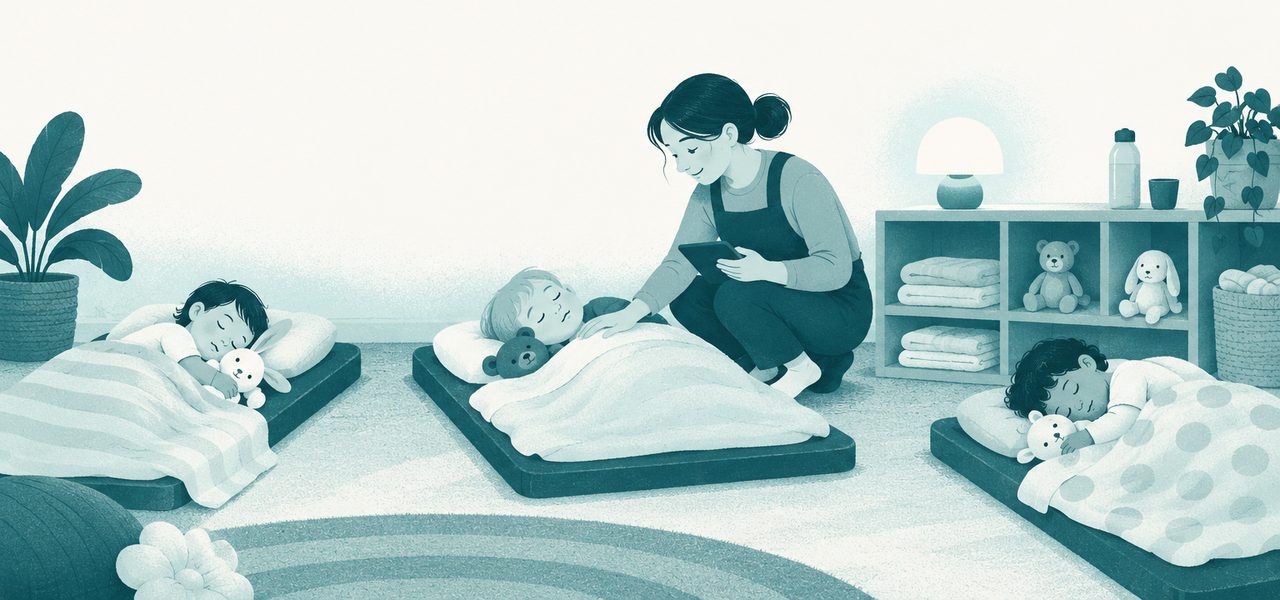
Key Features
Set up once by the manager, used all day by the room
A Profile for Each Room
Decide what each room records and how often sleeping children are checked.
- Babies, toddlers and pre-school set up differently
- One profile can cover every room as a fallback
- Sleep-check interval set to your own policy
- Works at settings with no rooms at all
What Families See
One setting for the whole nursery, and it starts switched off.
- As it happens, entry by entry
- The next day, once the day is complete
- Or not at all — staff record only
- Notes, sleep checks and sleep positions are never shared
A Record You Can Trust
Corrections are allowed, but the record still stands up.
- Staff can correct today's entries
- Earlier days need a manager
- Times and notes can change, values can't
- On the web and in the staff app
Shared with the Register
The care diary sits beside the register, so there's nothing to set up twice.
- Children booked in for the day appear automatically
- Choosing a room on one chooses it on the other
- A Care diary button right on the register
- Children in two rooms show in both
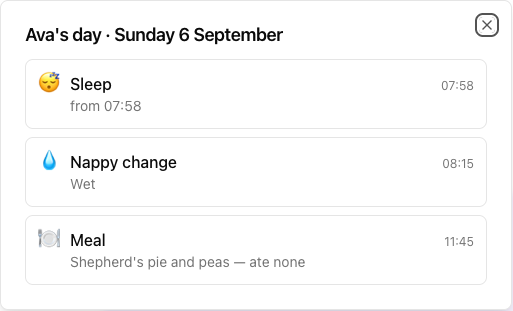
The question at pick-up, answered before it's asked
“Did she eat?” “How long did he sleep?” If you choose to share the diary, families can open their child's day in the parent portal and see each entry with its time and detail — while the conversation at the door is about everything else.
Observations & Learning Journal
The care diary records the day; the journal records what they learned in it.
Occupancy & Staff Rotas
See who is booked into each room, and whether you have the staff for them.
See it on your own setting
30-day free trial · no card needed · see pricing