
Closing and Sign-off
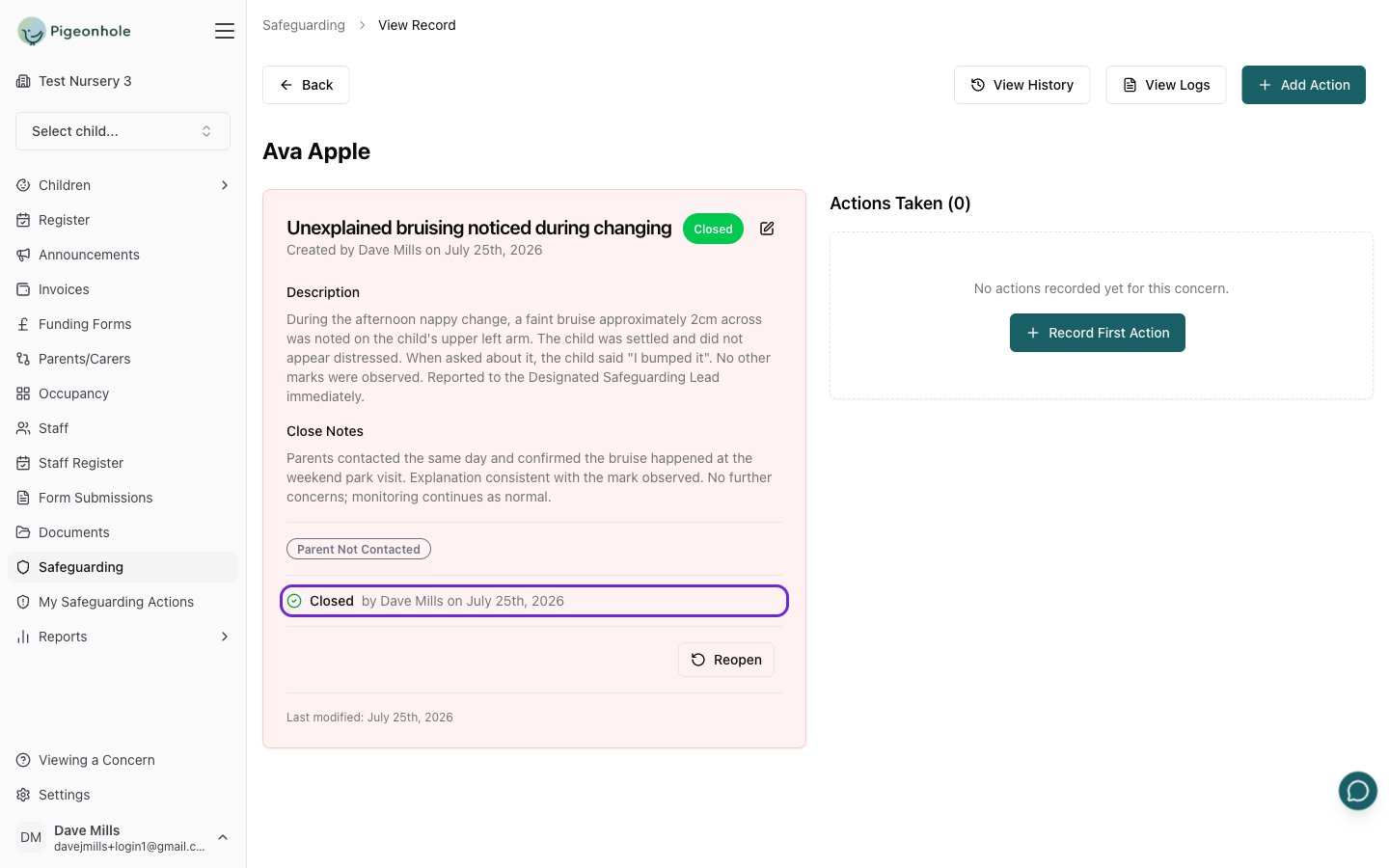
Closing a concern is the sign-off. When a safeguarding lead closes a record of concern, Pigeonhole records who closed it and when, giving you a clear, accountable record of who took responsibility for the outcome.There is no separate “request sign-off” step and no signature to draw. Reviewing the concern and closing it is the single action that signs it off.
What Sign-off Means
Closing a concern provides:- Oversight — a safeguarding lead has reviewed the concern before it is closed
- Accountability — the person who closed it is recorded by name
- Audit trail — the date and any closing notes are kept with the record
Concern Statuses
Every concern has one status:- Active — the concern is ongoing and being monitored
- Closed — the concern has been resolved and signed off
- No Action — the concern was reviewed and no further action was needed
Who Can Close a Concern
This depends on your safeguarding settings:- Sign-off required is on — only a Safeguarding Lead or Deputy Safeguarding Lead can close a concern.
- Sign-off required is off — Managers can also close concerns, alongside safeguarding leads.
How to Close a Concern
- Open the record of concern from the Records of Concern list.
- Click Close concern at the bottom of the concern card.
- Choose an Outcome:
- Closed (resolved) — the concern was dealt with
- No action required — reviewed, but nothing further was needed
- Optionally add Close notes describing how the concern was resolved.
- Click Close concern to confirm.
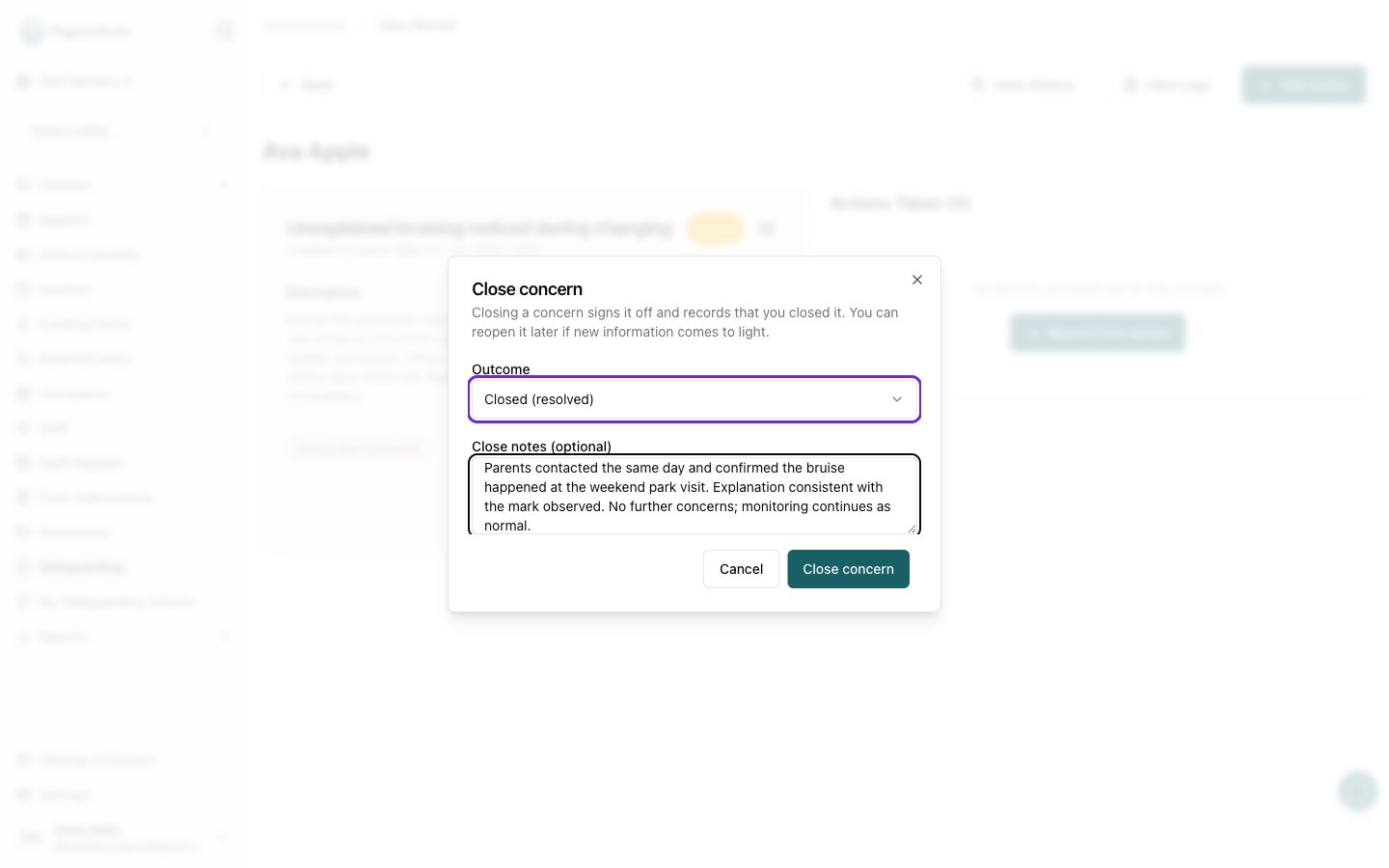
Close notes are optional when you use the Close concern button. If you instead change the status on the edit form, close notes are required.
Reopening a Concern
If new information comes to light, a safeguarding lead can reopen a closed concern.- Open the closed record of concern.
- Click Reopen and confirm.