
Rooms
Rooms are the physical or logical spaces within your nursery where children are assigned. Managing rooms allows you to organize children and staff, track attendance, and manage capacity.Open in app: Settings → Rooms.
Adding a Room
To add a new room, navigate to the Rooms section and click the “Add Room” button. You will see a dialog similar to the one below: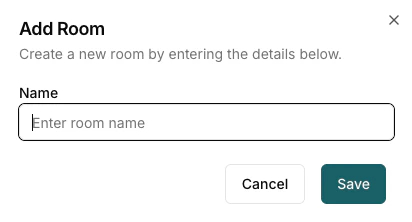
Room Fields
- Name: Enter a descriptive name for the room (e.g., “Baby Room”, “Preschool”, “Toddler Room”). This name will be used throughout the system to identify the room.
- Places: The most children the room can take at once. The occupancy planner uses it to show free places. Optional.
- Children move on at and They move to: The age children leave this room and the room they go to next, for example Babies move on at 2 years to Toddlers. Tick more than one room when children split between rooms; the planner shares them out. The planner uses these to forecast room moves. Leave it as “They don’t move on from this room” for rooms children stay in.