
Seeing new moments
- On the web
- In the app
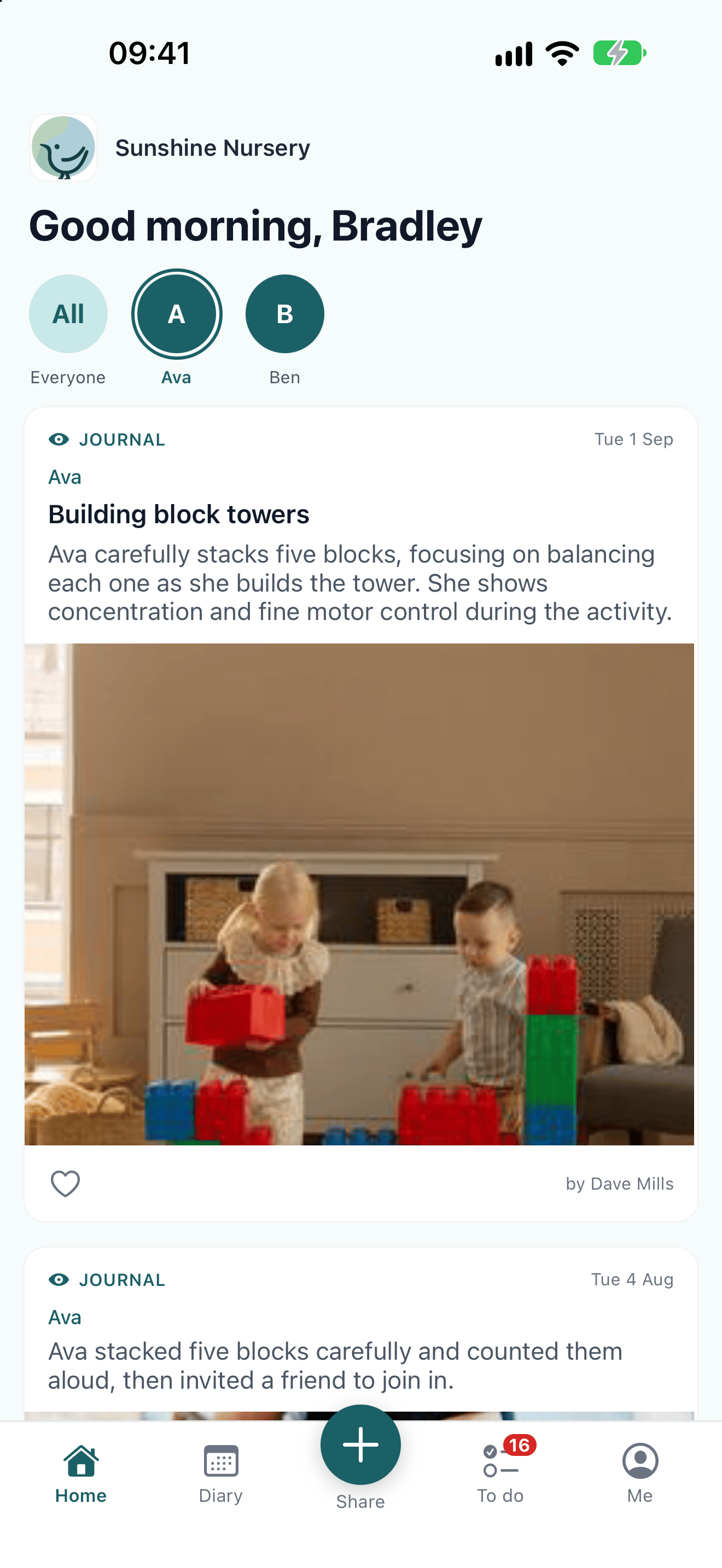
Open Journal to see everything shared about your children, newest first. If you have more than one child at the nursery, use the name filters at the top to see just one of them.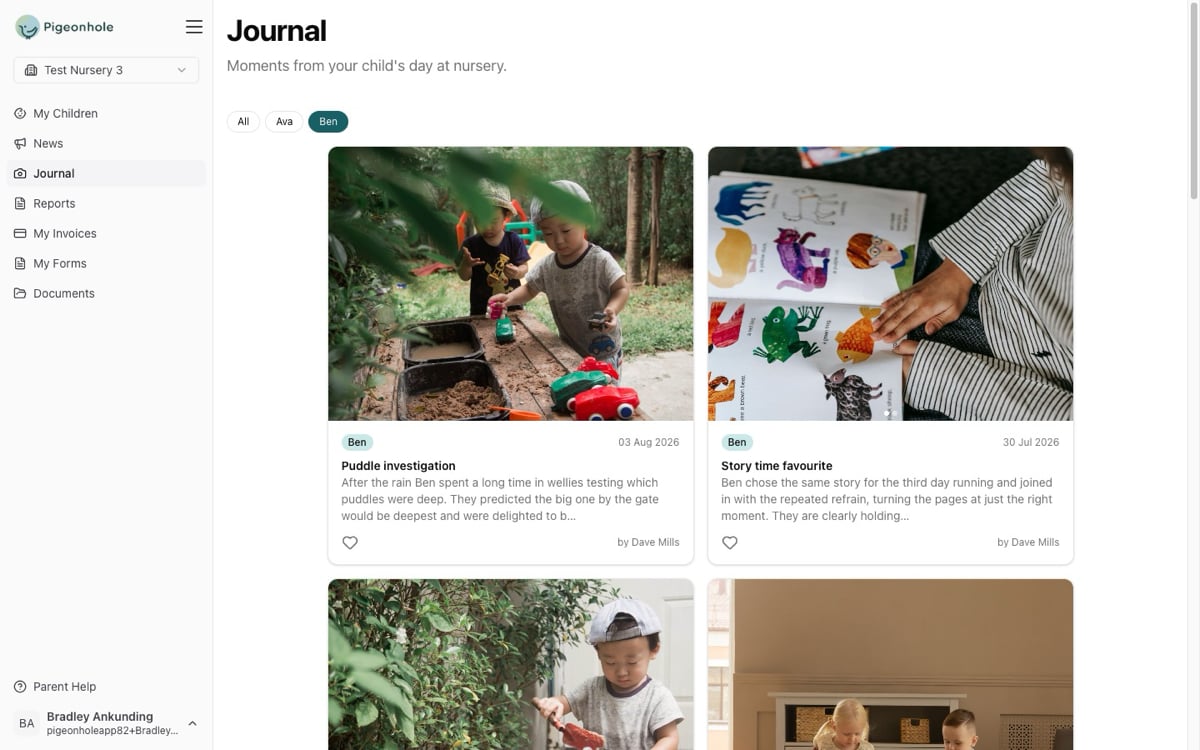
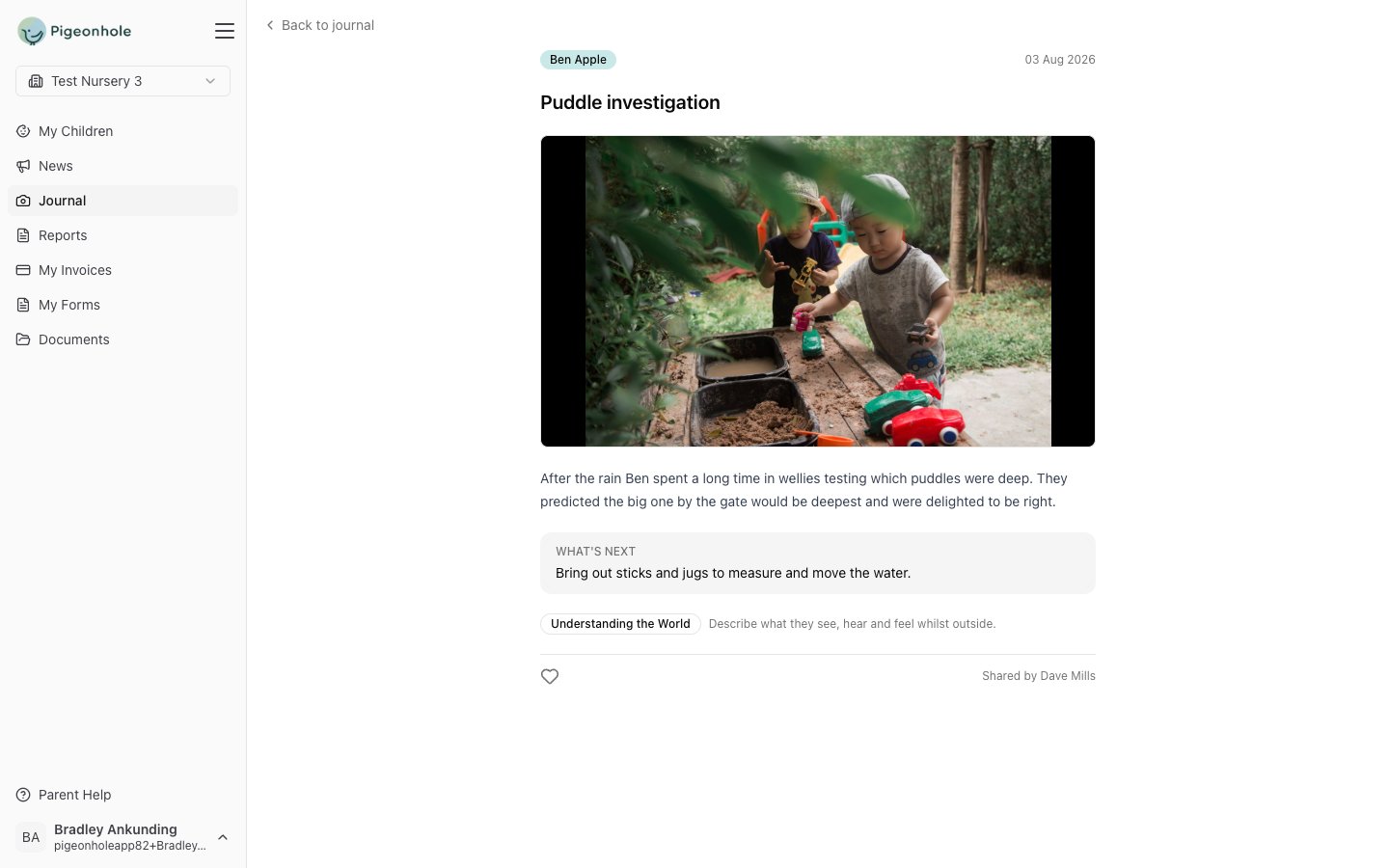
- What’s next — what your child’s key person plans to try next, so you can pick up the same thread at home.
- Areas of learning — the part of the curriculum the moment links to, if your nursery uses them.
Sharing moments from home
If your nursery has turned on Home Moments, you can share your own photos from home with the nursery: from the Home Moments tab of the Journal on the website, or the + button in the app. See Home Moments.In a group photo you’ll only ever see your own child’s name. Other families’ children are never named in your journal.