
Where to find it
- On the web
- In the app

What You Can See
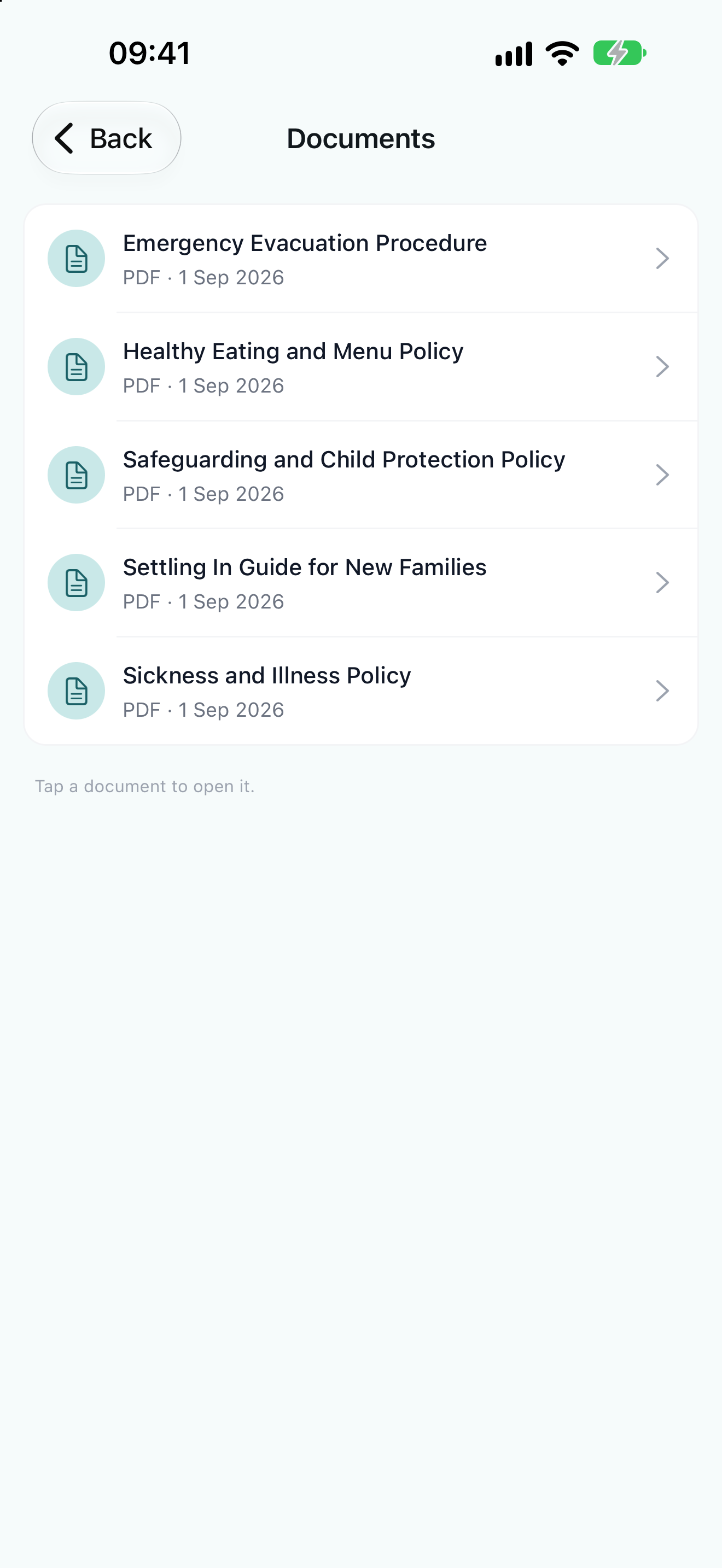
You will see documents that have been shared with parents and carers by the nursery, including:- General nursery documents marked as visible to parents
- Documents that have been linked specifically to your child or children
You can only view documents that the nursery has chosen to share with you. If you are expecting a document that isn’t showing, please contact your nursery directly.
Viewing and Downloading
On the website, click a document in the list:- PDFs open in a slide-out viewer where you can browse pages and download the file.
- Other file types (Word, PowerPoint) download straight to your device.