
Overview
The Staff Register can be accessed by toggling from the Children’s Register using the toggle button in the header. It provides a comprehensive view of all staff scheduled for the day, their expected working hours, current attendance status, and room assignments.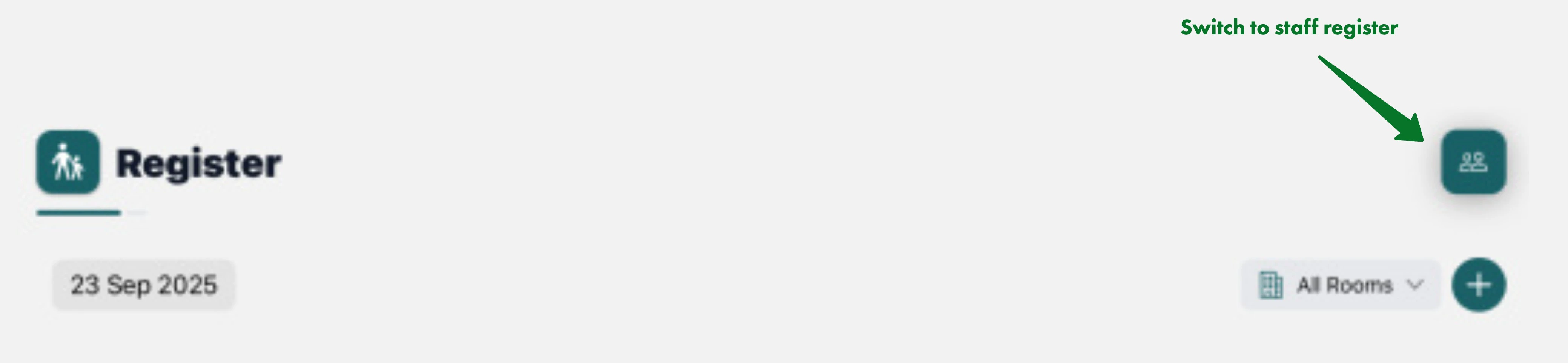
Key Features
- Secure PIN authentication for staff who don’t own the device
- Real-time staff attendance tracking with live counts by room
- Room-based attendance statistics showing current vs expected staff
- Admin-only absence management for schedule adjustments
- Notes system for communication and shift handovers
- Time editing capabilities for corrections and adjustments
Understanding the Interface
Date and Room Controls
The top section includes:- Date Selector: View staff attendance for different dates
- Room Filter: Filter staff by assigned rooms
- Toggle Button: Switch between Children’s and Staff registers
Staff Attendance Statistics
The staff register displays real-time attendance counts with room breakdown: Total Staff Section:- Current staff attendance count
- Expected staff count (on current day only)
- Overall staffing level indicator
- Individual room attendance counts
- Expected vs actual staff per room
- Visual indicators for staffing levels
- Overall staffing levels
- Room-specific coverage
- Whether expected staff levels are met
Staff List
Each staff entry displays key information in a structured format: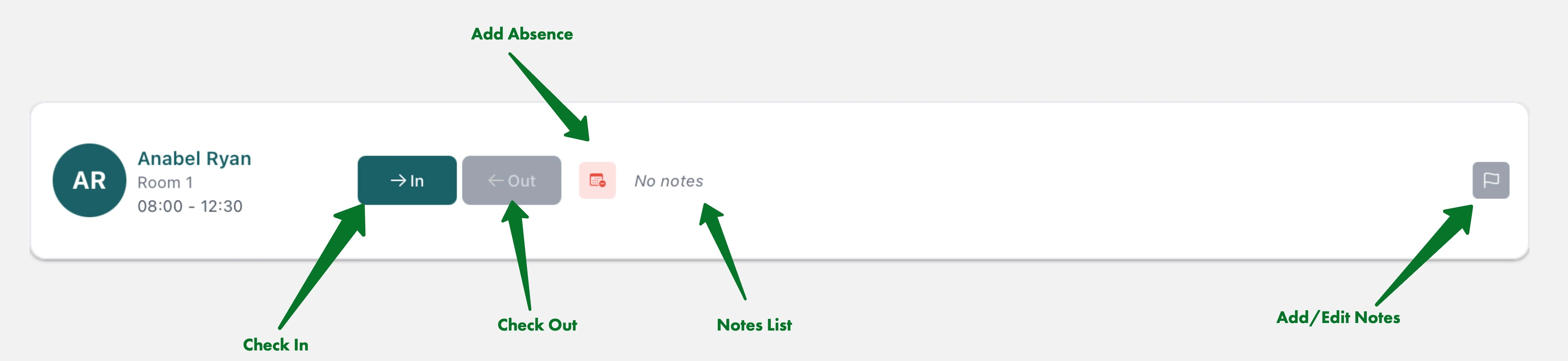
- Staff member’s name
- Assigned room
- Expected working hours (start - end time)
- Profile avatar (on larger screens)
- In Button: Sign staff member in with current time
- Out Button: Sign staff member out (available after sign-in)
- Absence Button: Record absence (Manager only)
Signing Staff In and Out
Authentication Methods
The Staff Register supports two authentication methods:- Direct Access: For the logged in staff member or managers
- PIN Authentication: For staff members using shared devices
Checking In
- Locate your name in the staff list
- Tap the green “In” button
- If you are signed in under your account, or in the Manager role, check in will proceed. If the app is signed in under someone else, please enter your 6-digit PIN for authentication

PIN authentication ensures secure access while allowing multiple staff members to use shared devices for attendance tracking.
Checking Out
- Locate your name in the staff list
- Tap the teal “Out” button (only available if signed in)
- If you are signed in under your account, or in the Manager role, check out will proceed. If the app is signed in under someone else, please enter your 6-digit PIN for authentication

For editing times, managing absences, and adding notes, see Staff Register Management.