
Open in app: Settings → Reports. Reports can be switched off entirely from the Features card on Site Profile.
The progress report
There is one kind of report: the progress report — a narrative summary of a stretch of a child’s journal, drawn from their published observations. It’s a single piece of writing rather than a fixed set of boxes, so you can cover a term, a half-term or any window that suits your setting.The statutory progress check at age two isn’t part of Pigeonhole at the moment. It returns alongside assessments, which are being built now.
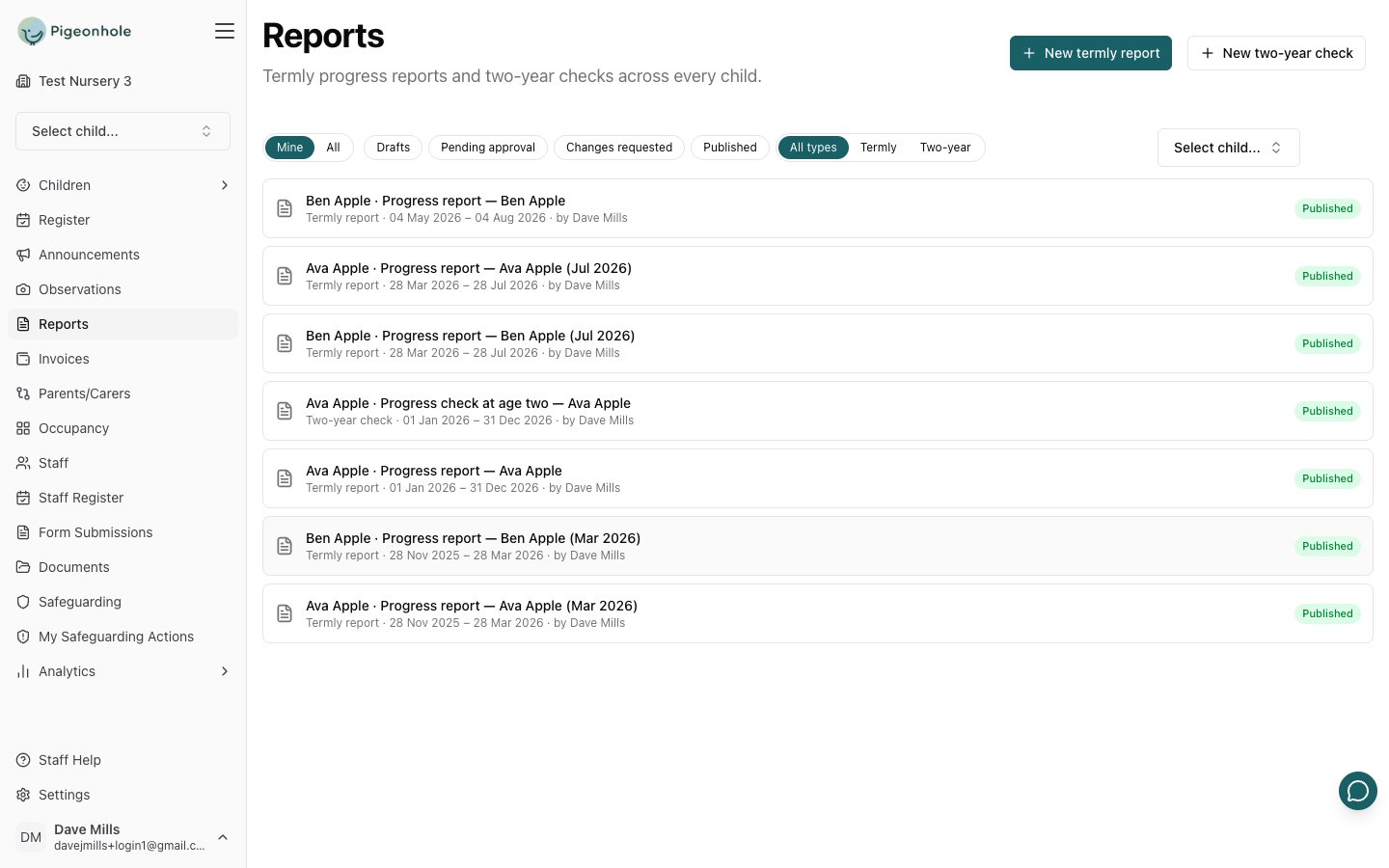
Starting a report
- Click New progress report.
- Pick the child (this step is skipped if you started from a child’s profile).
- Set the reporting period — the stretch of the child’s journal the report covers. It defaults to the last three months.
- Click Create. You go straight into the editor.
Changing the period later
You can change the period at any point while the report is still editable. Save, and the report re-reads the journal for the new window — the observation count updates. That means you don’t need to start again if you picked the wrong term, or if you want to widen a thin half-term.Writing the report
A progress report is one rich-text body, so you can use headings, bold and lists to structure it however your setting likes.Draft from observations
If AI drafting is on, Draft from observations builds a first draft from the child’s published observations in the period. It reads the observation text, next steps and any framework areas they were tagged with — never the photos. The draft is shaped by whichever learning frameworks you have switched on. It structures the narrative around your areas of learning, using the exact area names from your enabled frameworks — including a framework you built yourself. Where an observation wasn’t tagged, the AI works out which of your areas it evidences from what the observation describes; it can only choose from your real area names, never invent one or borrow from another curriculum. Frameworks that describe how a child learns rather than what they’ve achieved — Characteristics of Effective Learning being the usual example — are woven into the prose instead of getting headings of their own. If your setting has no framework switched on you still get a report. It’s simply grouped by what the observations actually show. A drafted passage reads like this:Ava shows great interest in communicating and engaging with others. She uses language confidently to negotiate and suggest ideas, such as arranging to take turns riding a tricycle and counting laps aloud to ensure fairness. Ava enjoys experimenting with colours and names, for example, mixing blue and yellow paint and expressing surprise at the colour green.Every detail there traces back to a real observation. The draft replaces the body text and saves nothing automatically — review it and make it yours before sharing. The button tells you when it can’t run: No observations in this period to draft from when the period is empty, or Save the new period first when you’ve moved the dates without saving.
Approval and sharing
Reports use exactly the same workflow as observations — Draft, Pending approval, Changes requested, Published — with the same roles:- Regular staff Submit for approval; publishers and managers Publish directly.
- Approvers Publish or Return with comment.
- Published reports appear on the family’s Reports page in the parent portal.
Settings
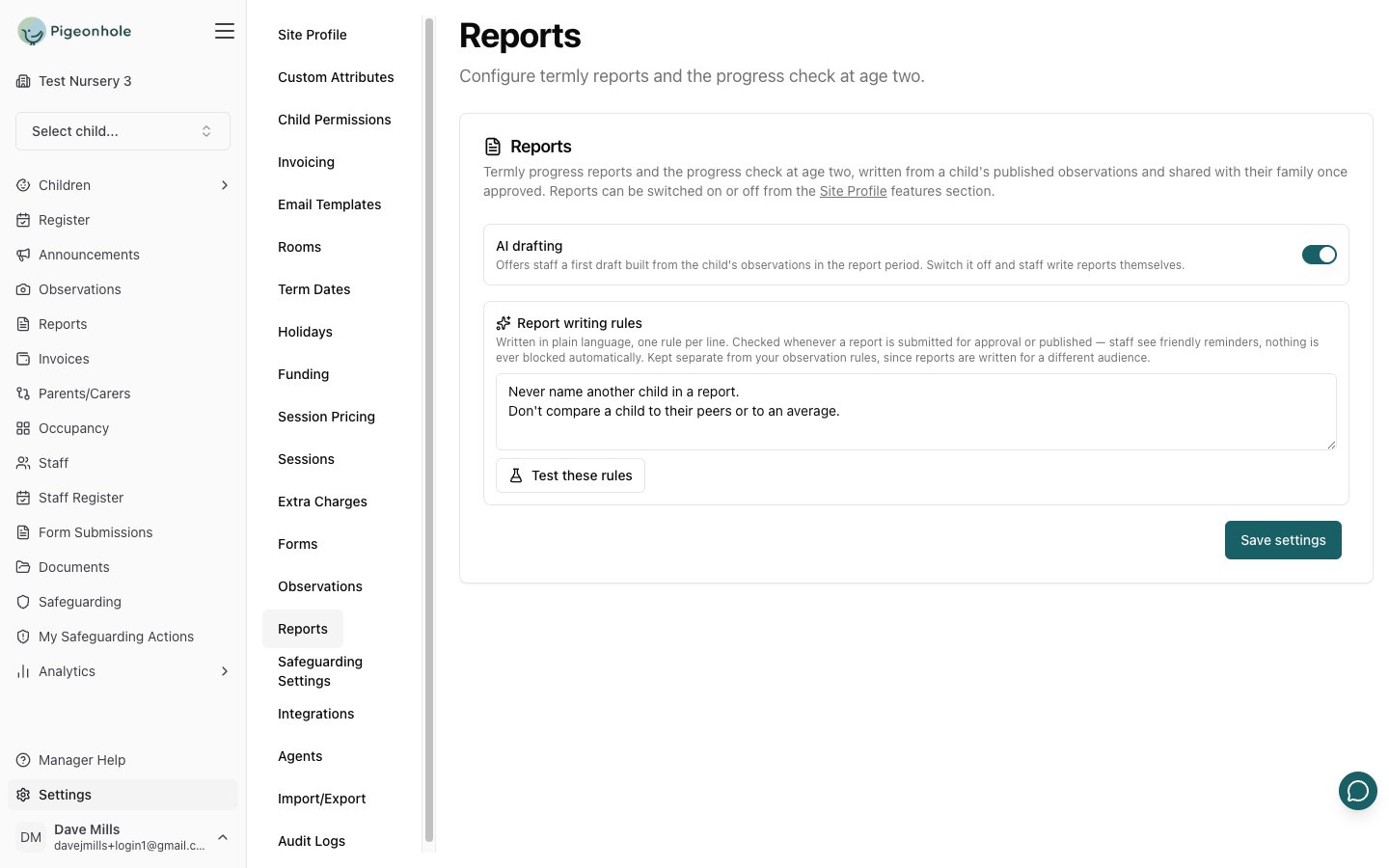
- AI drafting — offers staff a first draft built from the child’s observations. On by default. Switch it off and staff write reports themselves.
- Report writing rules — plain-language rules, one per line, checked whenever a report is submitted or published. Staff see friendly reminders; nothing is ever blocked.
Never name another child in a report. Don’t compare a child to their peers or to an average. Always end on what we’ll work on next.Use Test these rules to see what staff would be shown before you commit to the wording.