
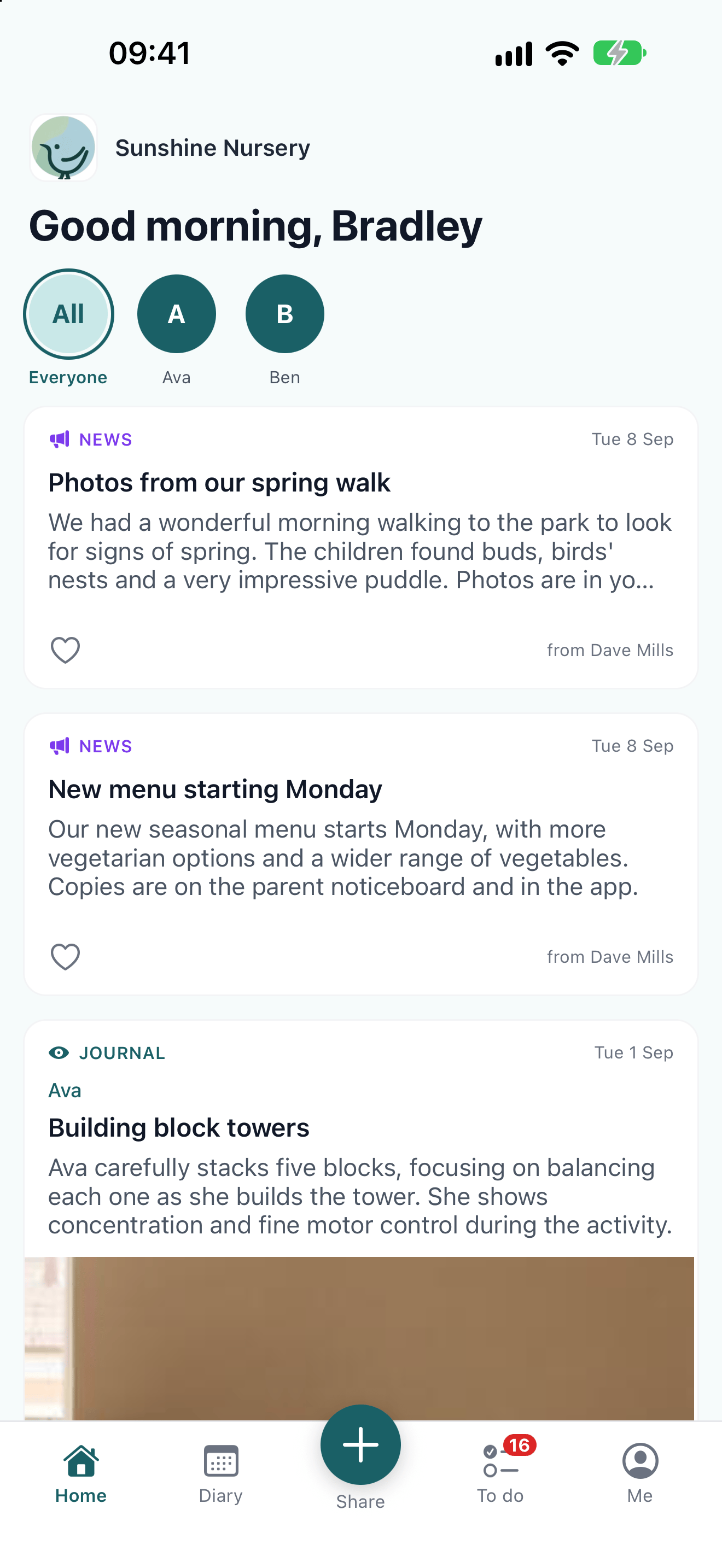
The app has four tabs along the bottom of the screen, plus a + button in the middle if your nursery uses Home Moments. Everything in the parent portal is reached from one of them.
The app's Home tab with news posts and a journal entry, the child pictures at the top, and Home, Diary, Share, To do and Me along the bottom

Where to find each part of the portal
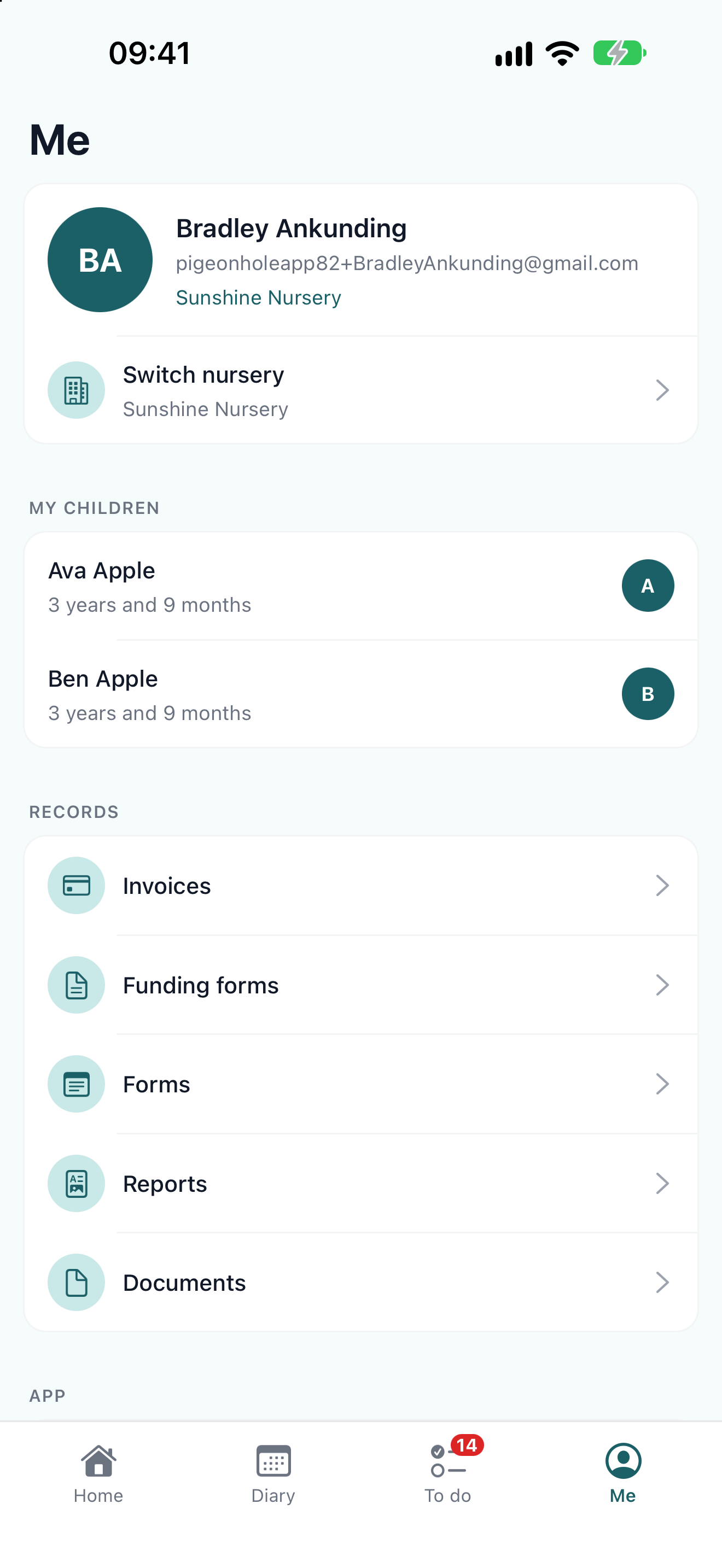
The app's Me tab, showing Bradley's details, Switch nursery, his children Ava and Ben, and the Records section

A child’s page

Open Me and tap your child to see their details, the parents and carers the nursery holds, and their collection and emergency contacts. Their diary and documents are linked from here too.
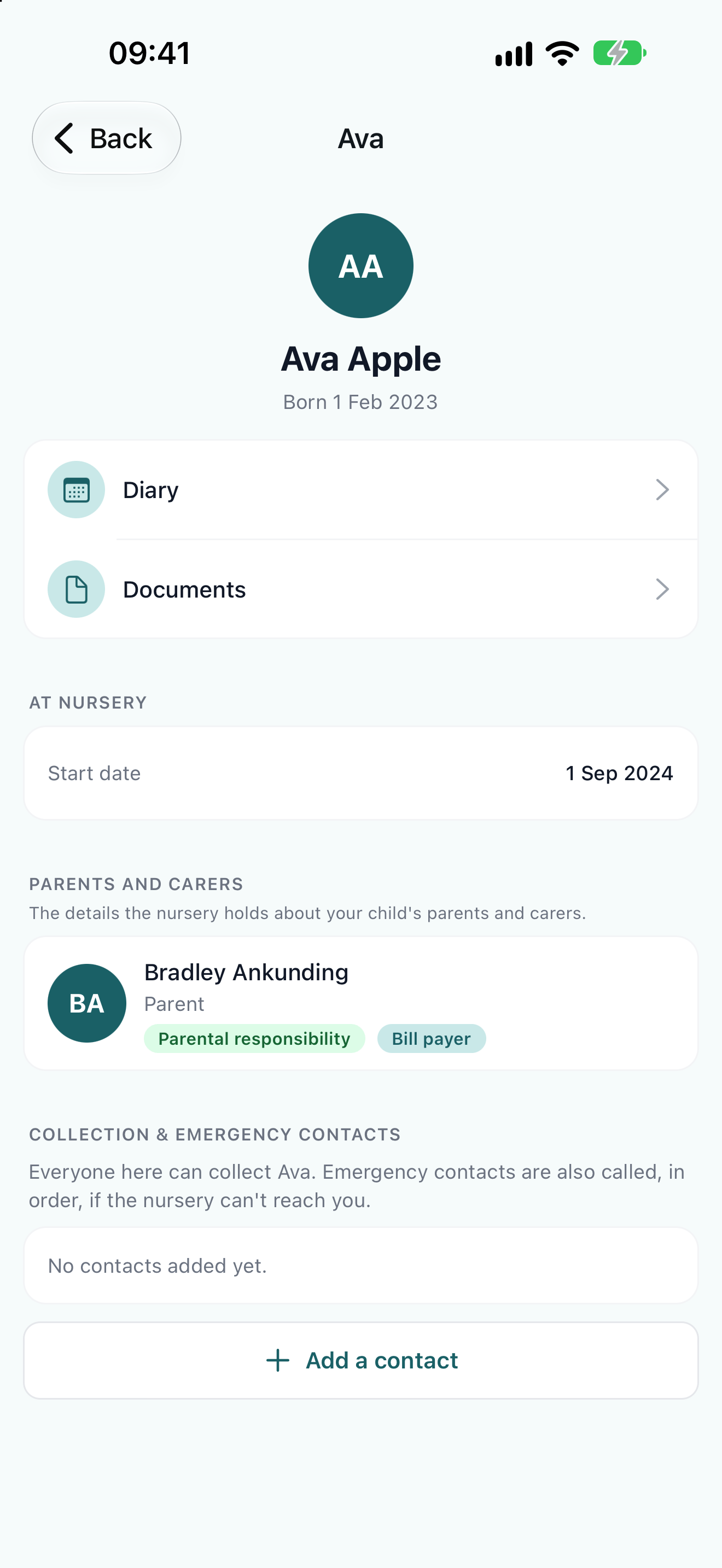
Ava's page in the app, with links to her diary and documents, her start date, and the parents and carers the nursery holds