
If you work at a nursery and are also a parent at a nursery that uses Pigeonhole, the same app is both your staff app and your parent app.

Choosing when you sign in

When you sign in, the app asks how you’d like to use Pigeonhole: As a parent or At work.
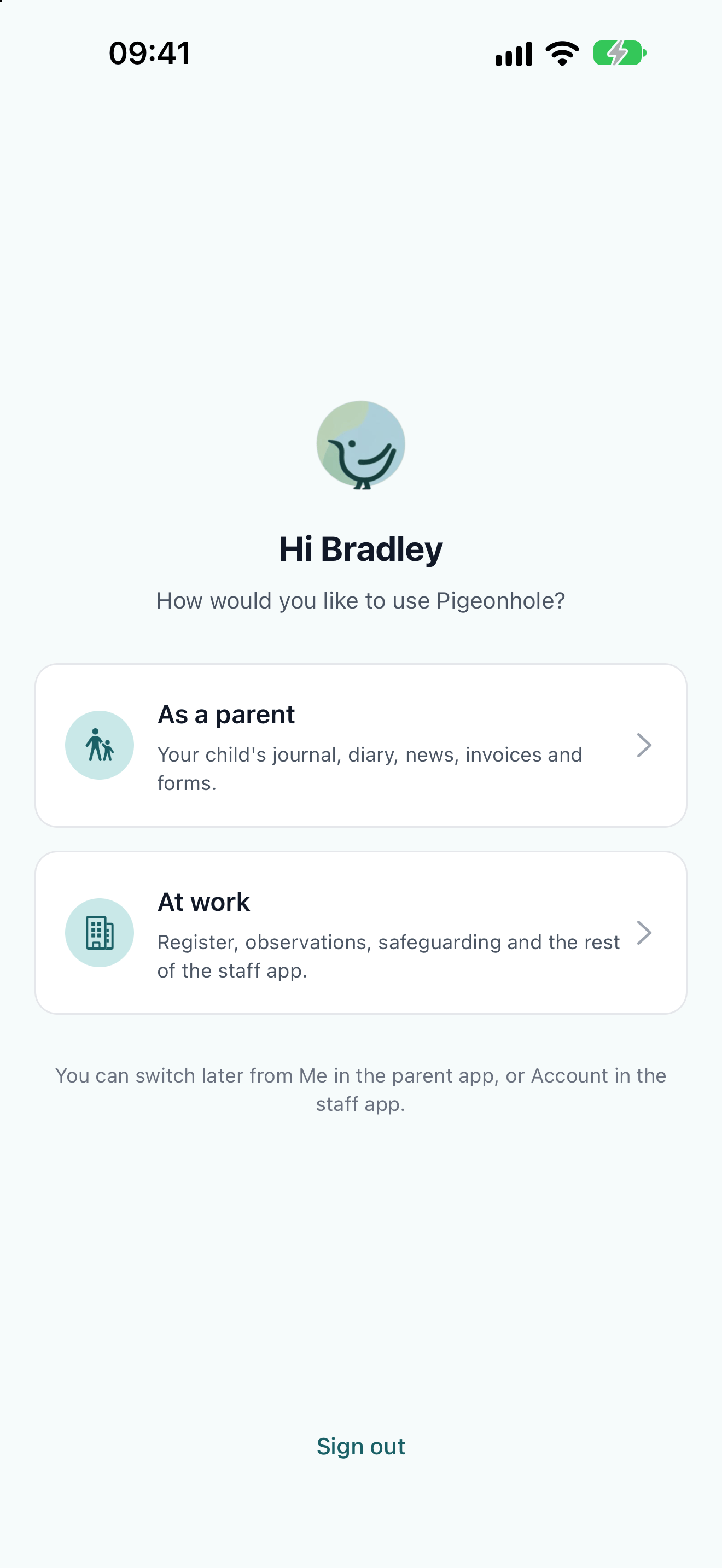
The app asking Hi Bradley, how would you like to use Pigeonhole, with As a parent and At work

Switching without signing out

Open Me and tap Switch to staff app under App. Enter your staff PIN to carry on.
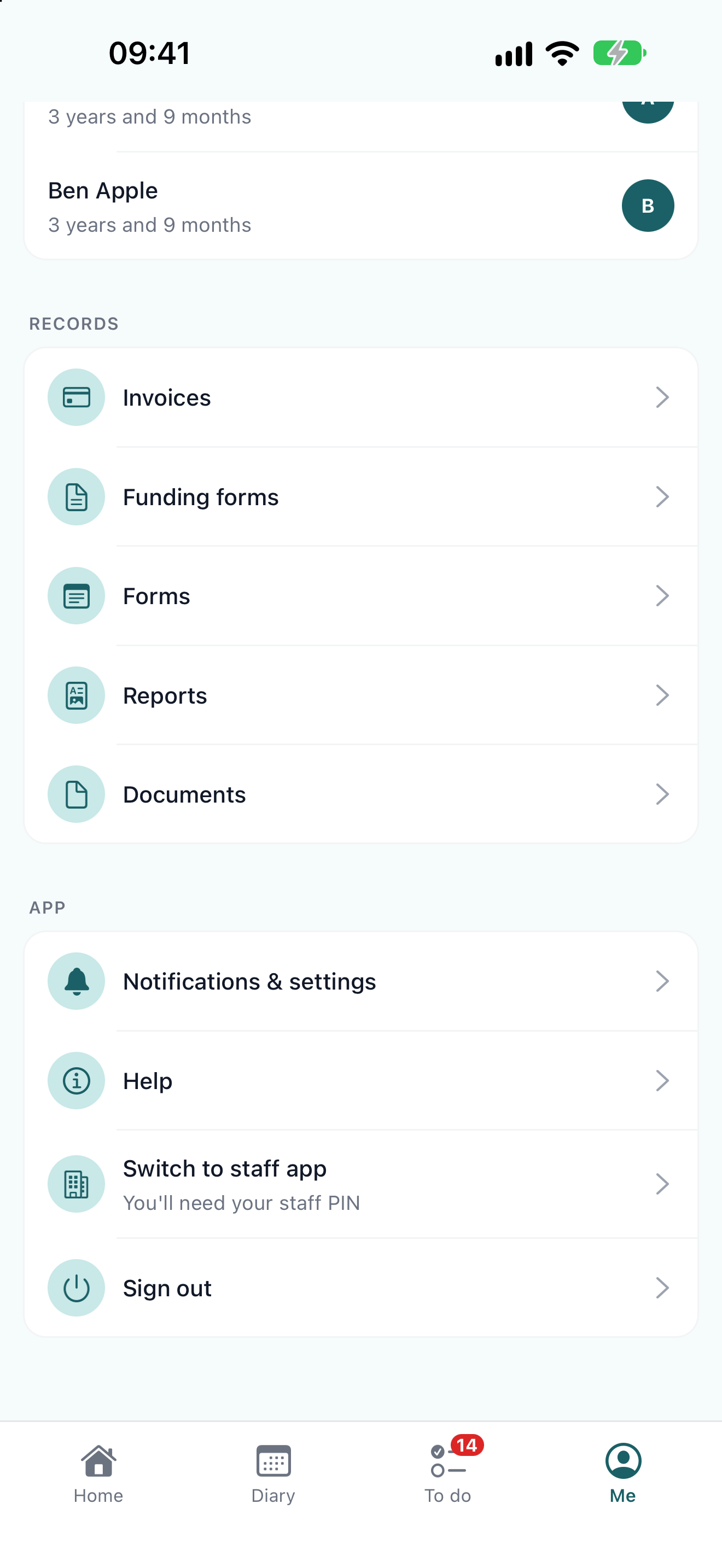
The App section of the Me tab, with Notifications & settings, Help, Switch to staff app and Sign out
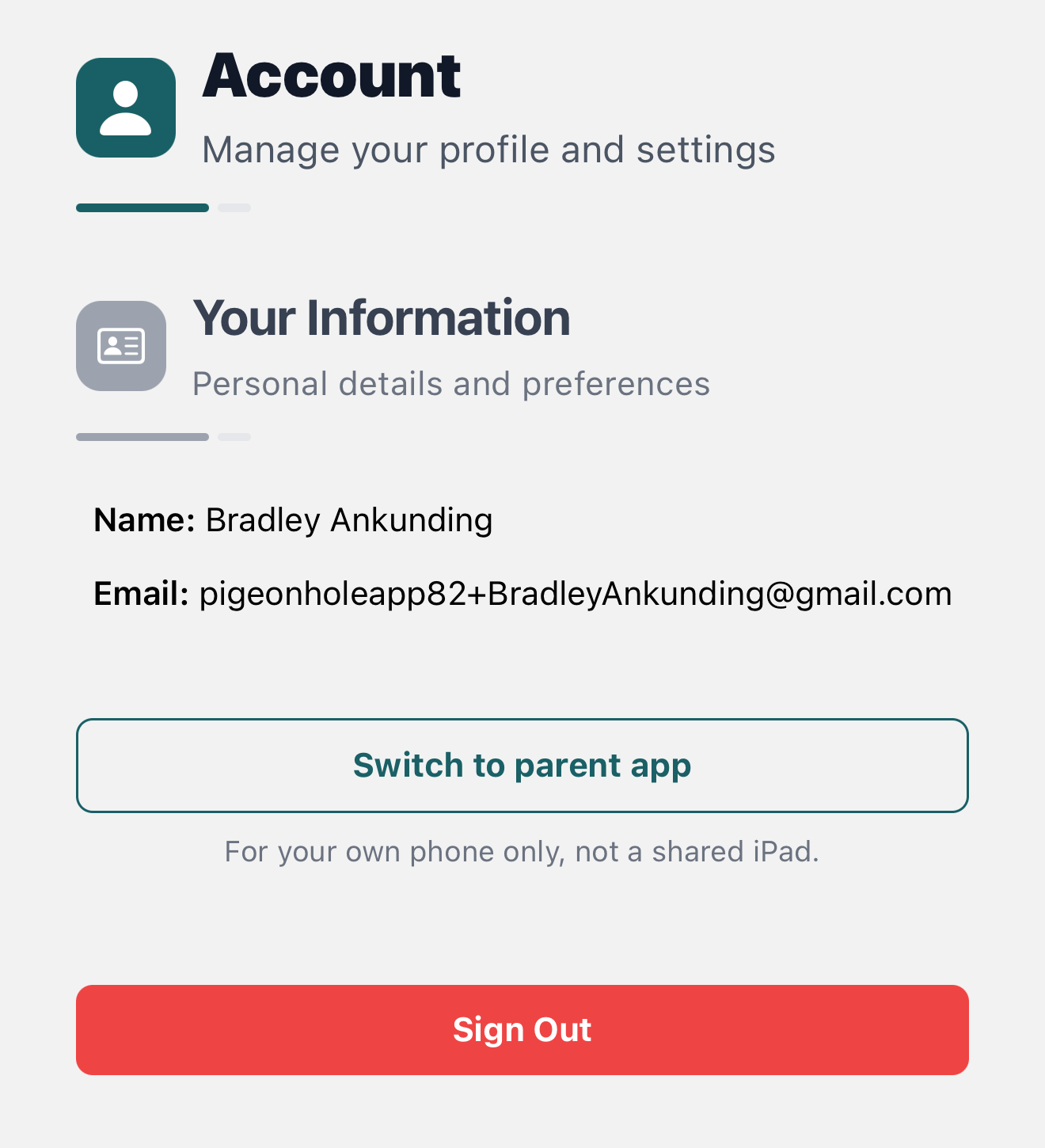
Only switch to the parent app on your own phone, never on a shared nursery iPad. The parent app doesn’t ask for a PIN, so anyone using the device would see your children’s details and notifications.

When you won’t see the switch

You’ll only see it if you can use the staff app on this phone. If your nursery only allows staff access from authorised devices, it appears on a phone the nursery has authorised. Managers see it on any phone.

Frequently Asked Questions

I switched to the staff app but don’t have a PIN

Tap Sign Out on the PIN screen, sign in again and choose At work. Ask your manager to set a PIN for you so you can switch next time.

Will I get parent notifications while I’m in the staff app?

Yes, if you’ve turned them on. Tapping one asks whether to switch to the parent app.