
Your child’s photos and details are private. You can ask the app to check it’s you, with Face ID or your fingerprint, whenever it opens. It also keeps you signed in. Without it, you’re asked to sign in again every 10 days.

Turning it on

  1. Open Me and tap Notifications & settings.
  2. Under Security, turn on Unlock with Face ID (or Unlock with Fingerprint on Android).
  3. Confirm with your face or fingerprint.
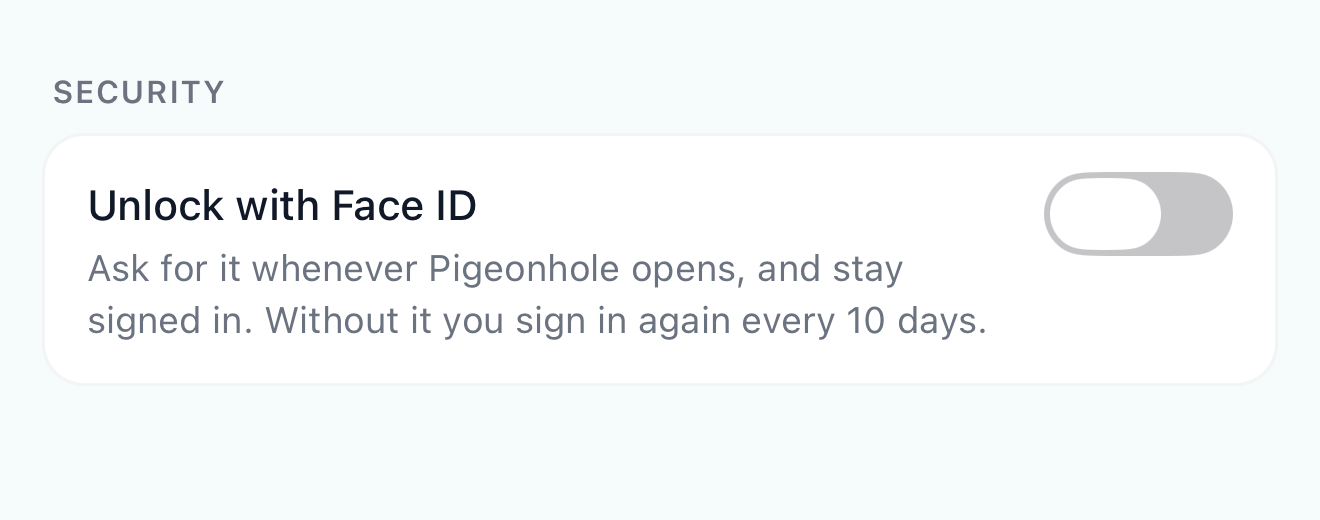
The Security section of the app's settings, with the Unlock with Face ID switch
You may also have turned it on during the app’s first-time setup.
If the app says This phone doesn’t support Face ID or fingerprint unlock, set up Face ID or a fingerprint in your phone’s settings first.

Unlocking the app

The app asks for Face ID when you open it, and when you come back to it after more than a minute away. If it doesn’t recognise you, tap Unlock to try again, or Sign out to sign in with your email instead.

Frequently Asked Questions

Does Pigeonhole see my face or fingerprint?

No. Your phone checks it and only tells the app whether it was you.

Someone else uses my phone

Face ID is a setting on the phone, not your account. If another parent signs in on the same phone, the app still asks for Face ID, using whoever the phone recognises.