
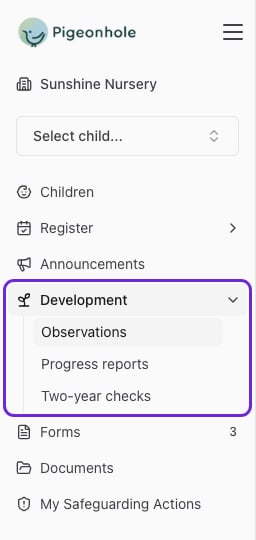
- Observations — quick write-ups of single moments, usually with a photo or video. They build up into each child’s learning journal.
- Two-year checks — the progress check every child needs between their second and third birthdays. Pigeonhole tells you who’s due.
- Progress reports — a longer summary of how a child has been getting on over a term or another stretch of time, drawn from their journal.
Observations
Capture a moment, use the AI assistant, add learning links and submit it for approval.
Two-year checks
See who’s due, choose levels, draft the summary, pick evidence and sign as key person.
Progress reports
Choose a reporting period, draft from the child’s journal and send it for approval.
Don’t see one of these in your sidebar? Your setting hasn’t switched it on. Ask your manager.
How sharing works
Observations, two-year checks and progress reports all go through the same steps before a family sees them:
Most staff click Submit for approval when they’ve finished. If you have the Publisher role, or you’re a manager, you’ll see Publish (or Share with family on a two-year check) instead, and your work goes straight to the family.