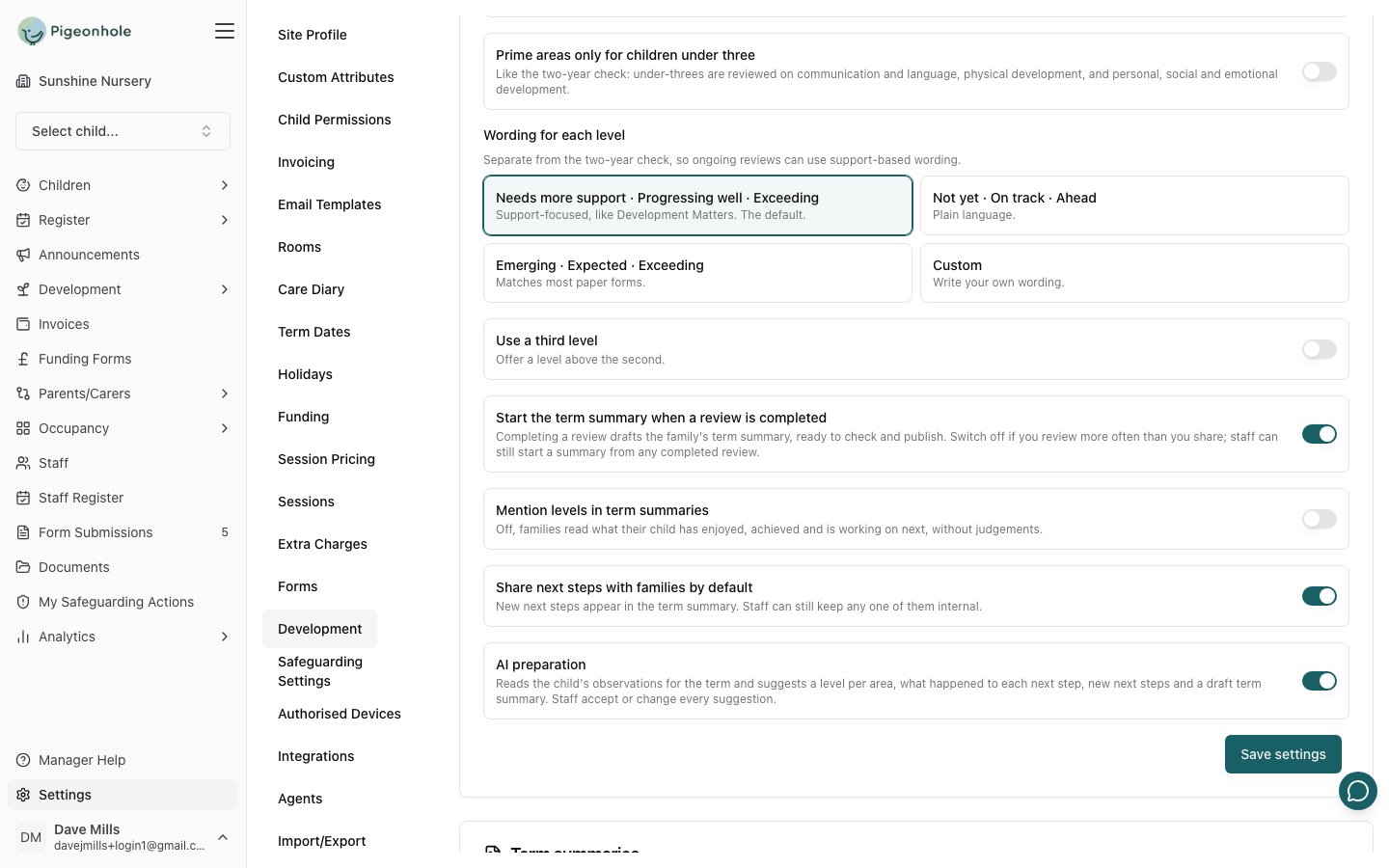
Open in app: the Termly reviews tab of Settings → Development. Only managers can change these settings.
Switching termly reviews on or off
Termly reviews, and the term summaries families receive, are one feature, switched on or off from the Features card on Site Profile. They’re on by default. Switching the feature off hides reviews and summaries from staff and families; nothing is deleted.Frameworks assessed in reviews
Each framework you assess has its areas judged every term. This list shows the frameworks you’ve switched on for observations, with a switch for each.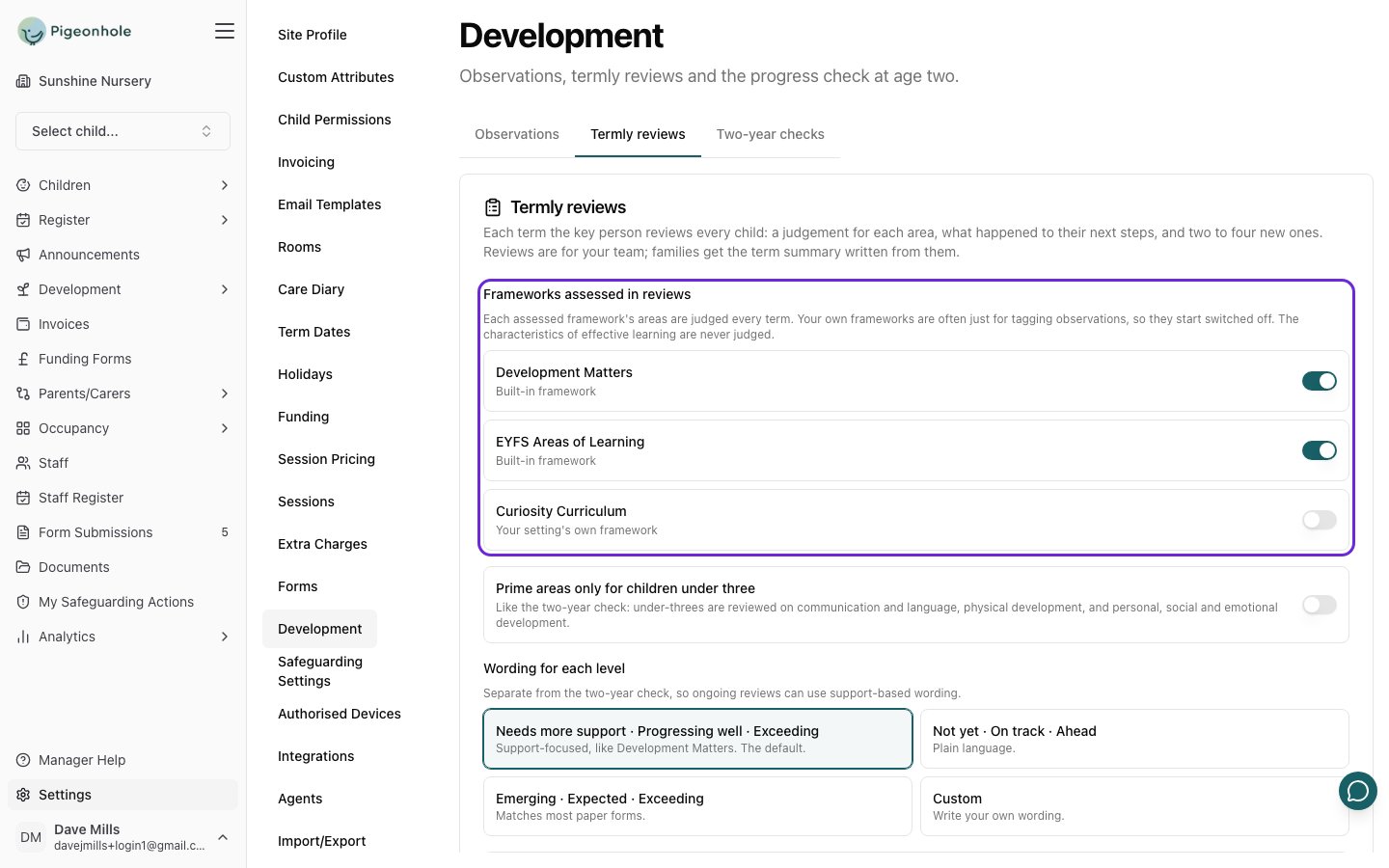
- Built-in frameworks (EYFS, Development Matters) start switched on.
- Your own frameworks start switched off. Frameworks you’ve built yourself are often for tagging observations (an outdoor curriculum, for example) rather than for judging every child every term. Switch one on if you do want to assess it.
- Characteristics of Effective Learning never appear. They describe how a child learns rather than what they’ve achieved, so they’re never judged.
- Frameworks that share area names, such as EYFS and Development Matters, show each area once.
Changing which frameworks are assessed affects reviews started from then on. A review already started keeps any area where staff have recorded something.
Prime areas only for children under three
Off by default. Switch it on to review children under three on the three prime areas only (communication and language, physical development, and personal, social and emotional development), as on the progress check at age two. A child’s age is taken at the end of the term.Wording for each level
Choose the words staff see for each level:
Reviews have their own wording, separate from the two-year check, so you can use support-based language for ongoing reviews even if your two-year check uses Emerging and Expected.
Use a third level adds the level above the second. It’s off by default: most settings only need to know whether a child is progressing well or needs more support.
Sharing with families