
Open in app: Archived Children.
How Children Get Archived
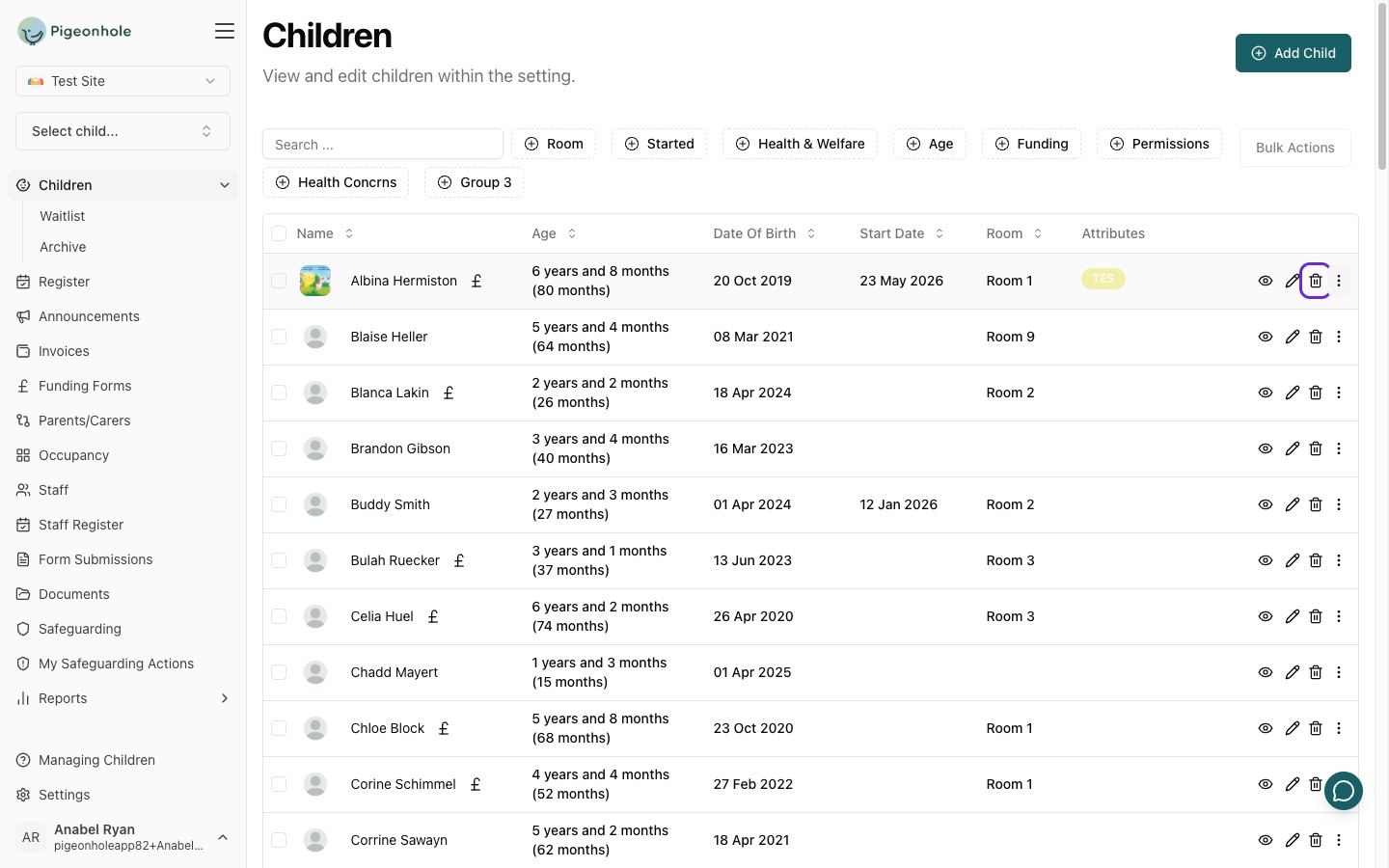
There are two ways a child ends up in the archive:- Removing a child from the main list. When you delete a child from your Children list, the child is not permanently removed — they are archived. You will see the message “The child has been archived” to confirm.
- Automatically, from a Leaving Date. If you set a Leaving Date on the child’s profile, the child is automatically moved to the archive the day after that date. See the Leaving Date field on the Attendance & Health page.
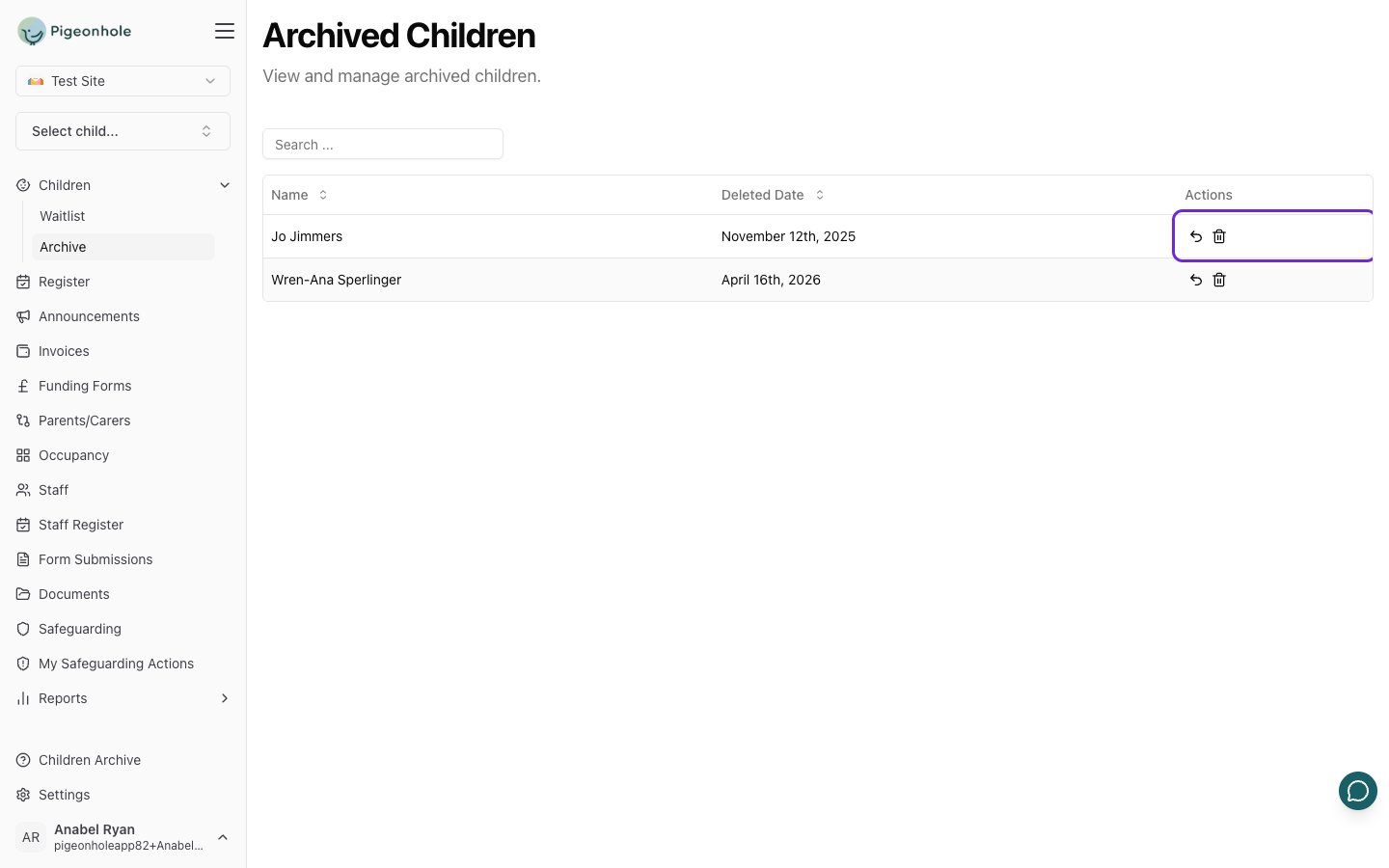
Viewing Archived Children
- Go to Children.
- Open the Archive page.
Restoring a Child
If a child was archived by mistake, or returns to your setting, you can bring their record back.- On the Archive page, find the child.
- Click the Restore button (the undo icon).
- Confirm when prompted.
Permanently Deleting a Child
If you are certain you no longer need a child’s record, you can permanently remove it.- On the Archive page, find the child.
- Click the Hard Delete button (the bin icon).
- Confirm when prompted.